

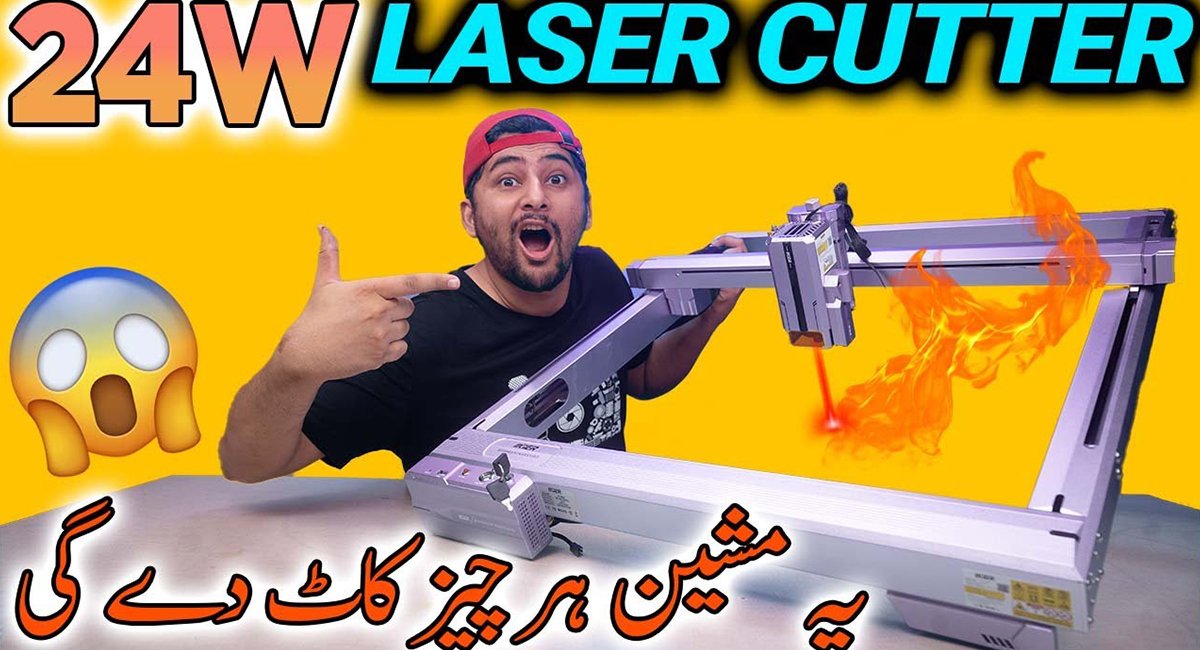
IKIER K1 Pro 120W Laser Engraving and Cutting Machine Leave a comment
What You Should Know Before Buying
If you are researching laser engraving machines for your small workshop, home business, or hobby, you will most likely have come across a Maaz Electronics YouTube channel video of the IKIER K1 Pro 120W Laser Engraving machine in your research. The laser machines may be quite intimidating due to many technical terms used to describe them; however, this article tries to give an understandable description of the main issues that are important in choosing this particular machine.
How Is This Machine Special from Ordinary Engravers
This device falls into the type designed specifically for people who need more than a standard engraver. The 120W power level lets one know that the machine can work not only with thick materials but also cut through them. It is essential for those who intend to use wood, acrylic, leather, and other similar materials up to a particular thickness, because less powerful devices cannot do so.
It will be noticeable both in speed and depth of cuts. The more powerful laser completes the job quicker and leaves cleaner cuts that save your time when you make multiple pieces or have intricate designs to engrave.
Understanding What 120W Really Means in Real-Life Terms
The wattage of products can be confusing for many people who do not understand how it relates to practical application. The IKIER K1 Pro 120W Laser Engraving tool provides the user with sufficient cutting power to cut through materials such as 20mm wood or acrylic in just one attempt, compared to lower-power tools, which would require more attempts. This results in time saved and a reduced chance of warping and discoloration of the material.
But when it comes to choosing from various wattages, the kind of material you will usually cut will be your best consideration. Paper and fabrics do not need such a powerful laser, but if you work on hard woods and thick acrylics most of the time, then 120W will give you more leeway.
Engraving vs. Cutting: Two Different Processes Performed by the Same Machine
While the IKIER K1 Pro 120W Laser Engraving machine is capable of both engraving and cutting materials, it may be useful to know that the two are different processes and, therefore, have their own specific parameters. When engraving a material, the laser cuts away its thin top layer to form an image, picture, or text on it.
Both functions will give good results depending on whether one uses the correct settings of the machine, in terms of power and speed settings, for the material being worked on. For example, acrylic works in a different way from wood, and each type of wood has its own unique way of responding to the same power and speed settings; hence, a little trial and error is required.
For those interested in seeing the IKIER K1 Pro 120W Laser Engraving machine in action, check out this video demonstrating it on wood and acrylic up to 20mm:
Watching a live demonstration often makes it easier to judge how a laser machine performs than reading specifications alone.
How to Set Up in Your Workspace
Even before beginning with the use of a laser cutter/engraver machine, there are some things that you have to get right. Proper ventilation is important because cutting materials such as acrylic and some types of wood give off toxic fumes that should not be allowed to accumulate in a closed environment. Having a flat and level surface will help ensure accurate cuts, especially in engraving.
For a small workspace, you will want to ensure that air can circulate freely. This is especially considering that laser cutter machines have a lot of heat involved, so some basic fire safety knowledge about your workspace is recommended.
Checkpoints Before You Make Your Decision to Purchase
It is worth considering some useful things before you decide to buy the IKIER K1 Pro 120W Laser Engraving device or anything like that:
- What’s the maximum material thickness you’ll realistically be working with?
- Do you have enough ventilated space for safe operation?
- How much desk or floor space does the machine’s working area require?
- Are you comfortable with basic software adjustments for speed and power settings?
If you can answer these questions honestly, it’ll help determine whether this piece of equipment fits your specific needs, instead of just purchasing based on the numbers.
Keeping Your Machine Running Well Over Time
As with all precise machines, a laser engraving and cutting system will have a better life expectancy with some basic maintenance. The lens and mirrors must be kept free from dust and other particles that might affect the cutting ability and engraving quality after a long period of use.
Proper storage in a dry and clean environment is important for protecting the machine’s internal parts, especially if the operating environment is humid and dusty.
Where to Get Your Questions Answered Before Purchasing
If you have particular questions regarding what settings would be optimal for your type of material, or whether the IKIER K1 Pro 120W Laser Engraving is appropriate for your task at hand, then a direct approach is usually the most effective one in getting a definite answer. You may send your question to maazelectroniks@gmail.com.
Choosing a Machine Compatible With Your Needs
It has become clear that the IKIER K1 Pro 120W Laser Engraving machine was designed specifically for those customers who prefer a reliable machine that will enable engraving and cutting of any material. The power rating of the machine gives you the option of working on larger projects, and correct machine installation and regular maintenance allow achieving consistency.
You should devote enough time to the correlation between the machine and the kind of works you will carry out, avoiding skipping such basics as ventilation and arrangement of space. The laser engraving machine will become an essential element of your shoproom in the future, and all this makes things easier.
